Parameters:
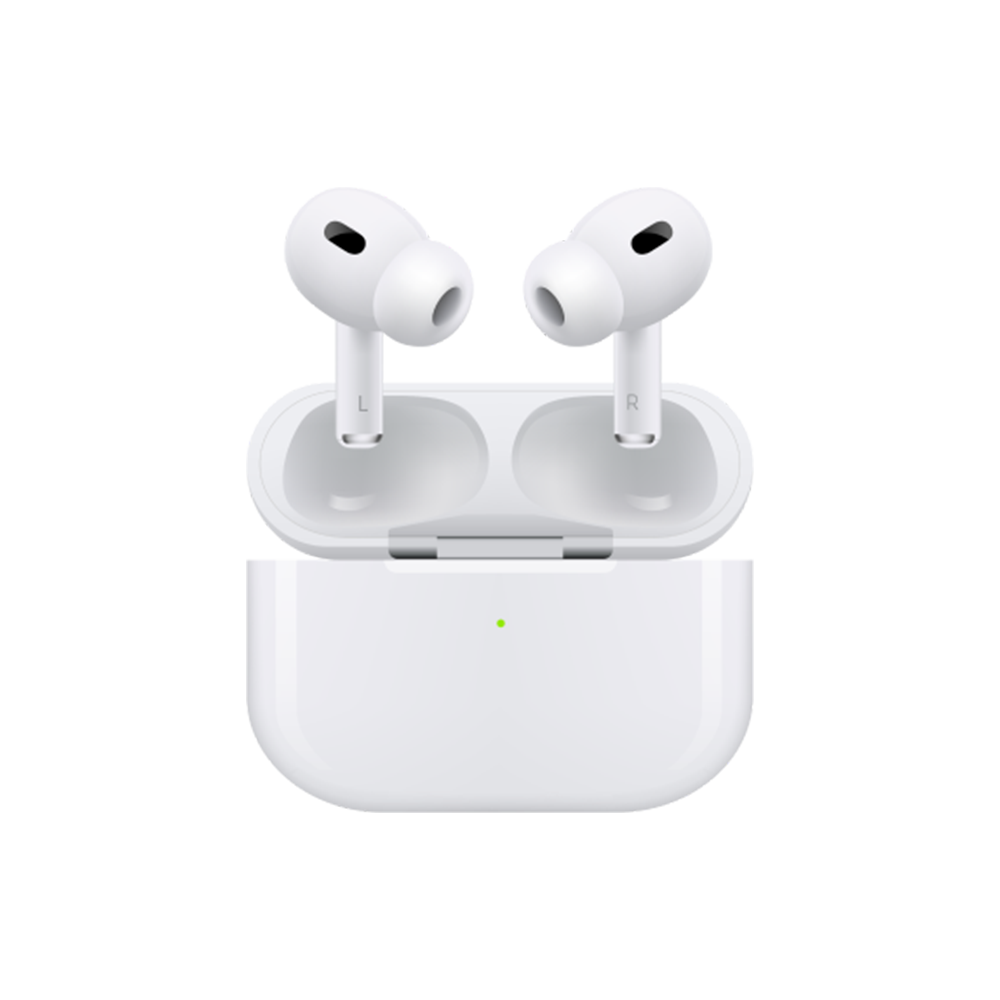
Product name: QCY-T13 ANC
Certified model:BH22DT10A
Pairing name: QCY-T13 ANC
Bluetooth version: 5.3
Available system: iOS/ Android
Operation range: 10m
Battery life(Playback by single charge): 4.5hr of calling; 7hr of playback(ANC OFF), Music time: 5.5hr(ANC ON).
Total Battery life: 30 hours of playback(ANC off);
24.75 hours of playback(ANC on).
Bluetooth profiles: HFP/A2DP/AVRCP
Battery capacity(case): 380mAh
Charging port: Type-C
Water proof: IPX5
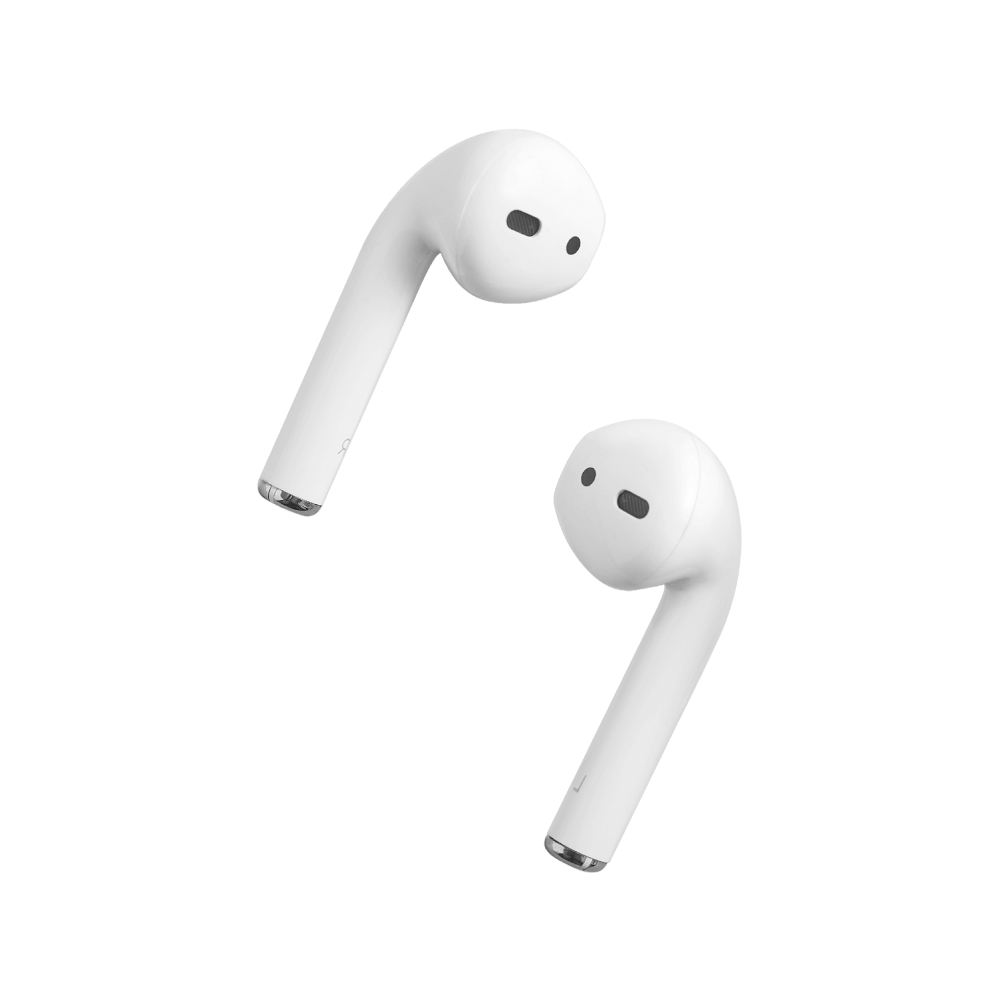
Earbud size: 21.9*24*32.6mm
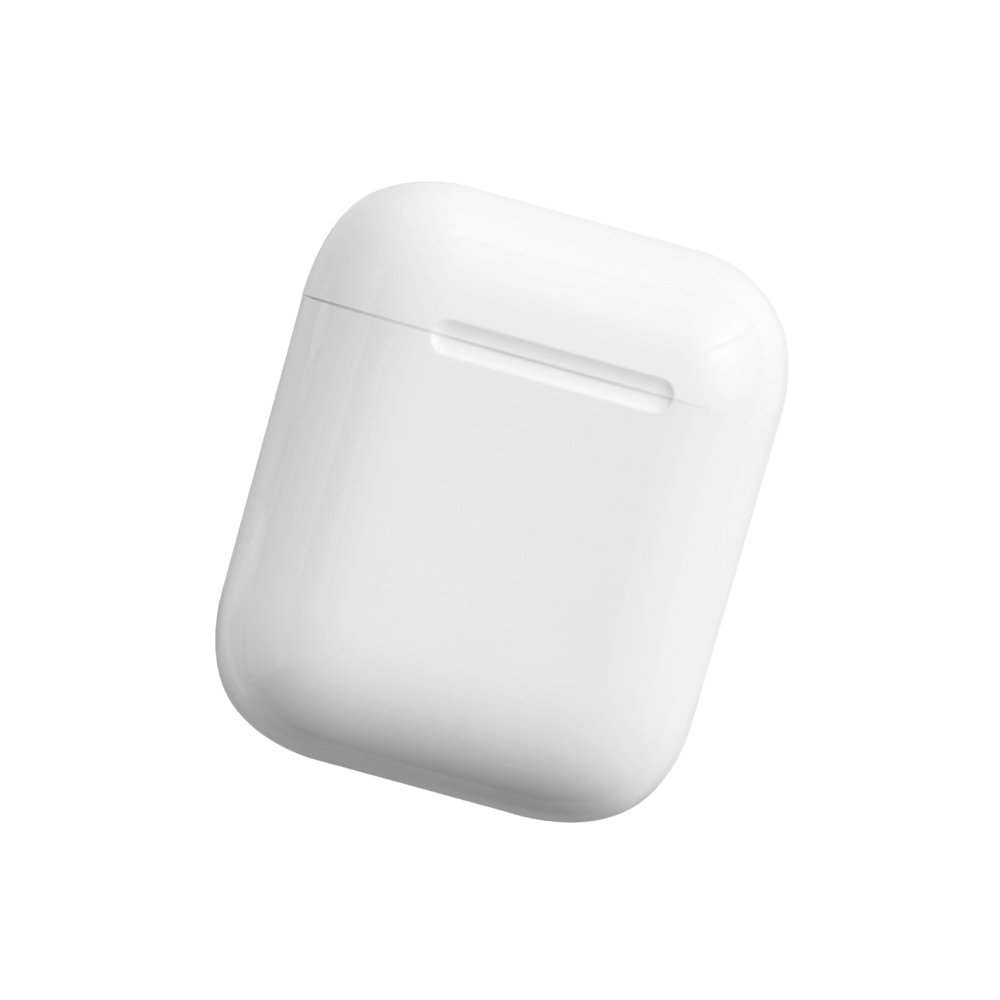
Case size: 55.1*55.0*29.1mm
Tips:
* For the best compatibility, we recommend you to connect the earbuds with phone rather than computer.
FAQ:
Q: What should I do if the headset received unabletoturn on?
A: Confirm that the charging case has power left, press the button on the case and check if at least one LED is illuminated.
If charging case power off, please put the earphones in charge case and charging for 1 hour. Before charging, please Remove the stickers on new earphones.
Connect the case with your included USB cable and plug it into a USB power source.
Q:What should I do if Sound comes from only one earphone?
A:Put both earphones back into the charging caseand close the cover, then take them out again to check whether both ears have sound. If only one earphone still has sound, please restore the factory settings for both earphones.
Q:How to solve the problem that the mobile phone prompts that it cannot connect?
A:Delete the pairing record on the mobile phone, and then search for pairing and connect again.
Q:How to solve the problem that there is no sound when listening to musicor calling?
A: There is a settings icon on the right side of the Bluetooth connection name on Android phones. Click to enter, turn off the mobile phone audio and media audio, and then turn them on again. If there is still no sound, please re-pair the earphones with the mobile phone.
Q: Why is there a delay in videoor games?
A: Affected by factors such as the use environment, network, and mobile phone Codec, there will be different degrees of delay when the mobile phone transmits audio data to the earphone.
Q: How to solve the problem of stuckor intermittent sound?
A: If there are a lot of Wi-Fi, 5Gor 4G signals, high-power electrical appliances around, it may cause stuck and intermittent sound. Please Change the environment or re-pairing can solve the problem.
Other Tips:
1. Before using the earbuds, please read the manual carefully and keep it for future references.
2. The earbuds need to be fully charged prior to first-time use.
3. lf the earbuds are left unused for over two weeks, please recharge.
4. Please use the chargers made by qualified manufacturer.
5. lf earbuds fail to be found by phone, please re-turn them connectable or restore factory settings.
6.lf a program error of phone occurs, please turn off and on Bluetooth functionor reboot the phone.